Step 1: Make it
What is it?
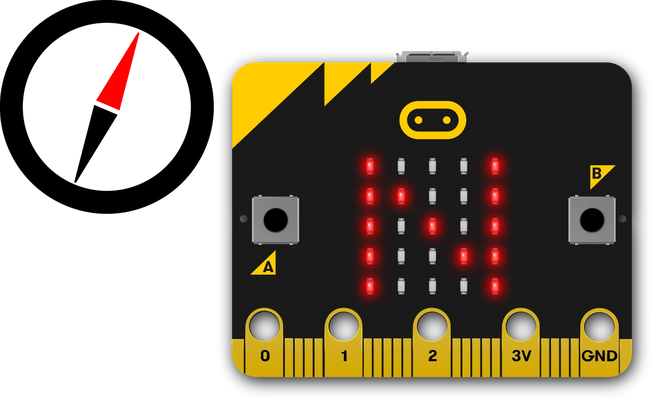
This simple compass will show you which way is North.
How it works
- Your micro:bit has a compass sensor called a magnetometer that measures magnetic fields. It can sense the Earth’s magnetic field and so you can use it as a compass.
- When you first use the micro:bit compass you have to calibrate it. A little game appears on the screen where you have to tilt the micro:bit to light up every LED, then you’re ready to go.
- The program uses an infinite (forever) loop to keep taking compass readings and it stores them in a variable called ‘bearing’. It then uses selection: an if… else statement to show N for North on the LED display if the bearing is greater (>) than 315 degrees or less than (<) 45. This means that it will show you where North is as long as your micro:bit is pointing in roughly the right direction.
What you need
- micro:bit (or MakeCode simulator)
- MakeCode or Python editor
- battery pack (optional)
- a planet with magnetic poles to stand on, such as Earth!
Step 2: Code it
Step 3: Improve it
- Make the compass more accurate by reducing the range of bearings: make the number 45 smaller and 315 bigger.
- Add other points of the compass to show when the micro:bit is pointing East, West and South.
- Add sound so it makes a noise when pointing North so someone who is visually impaired can use the compass.

You may also like
Turn your micro:bit into a simple compass
Make your own micro:bit wireless door alarm.
Multi-player radio treasure hunt game
This content is published under a Creative Commons Attribution-ShareAlike 4.0 International (CC BY-SA 4.0) licence.